

Modern businesses rarely run on one system. A company may use a CRM for customer information, an ERP for finance and operations, email platforms for communication, document tools for records, and specialized software for specific departments. 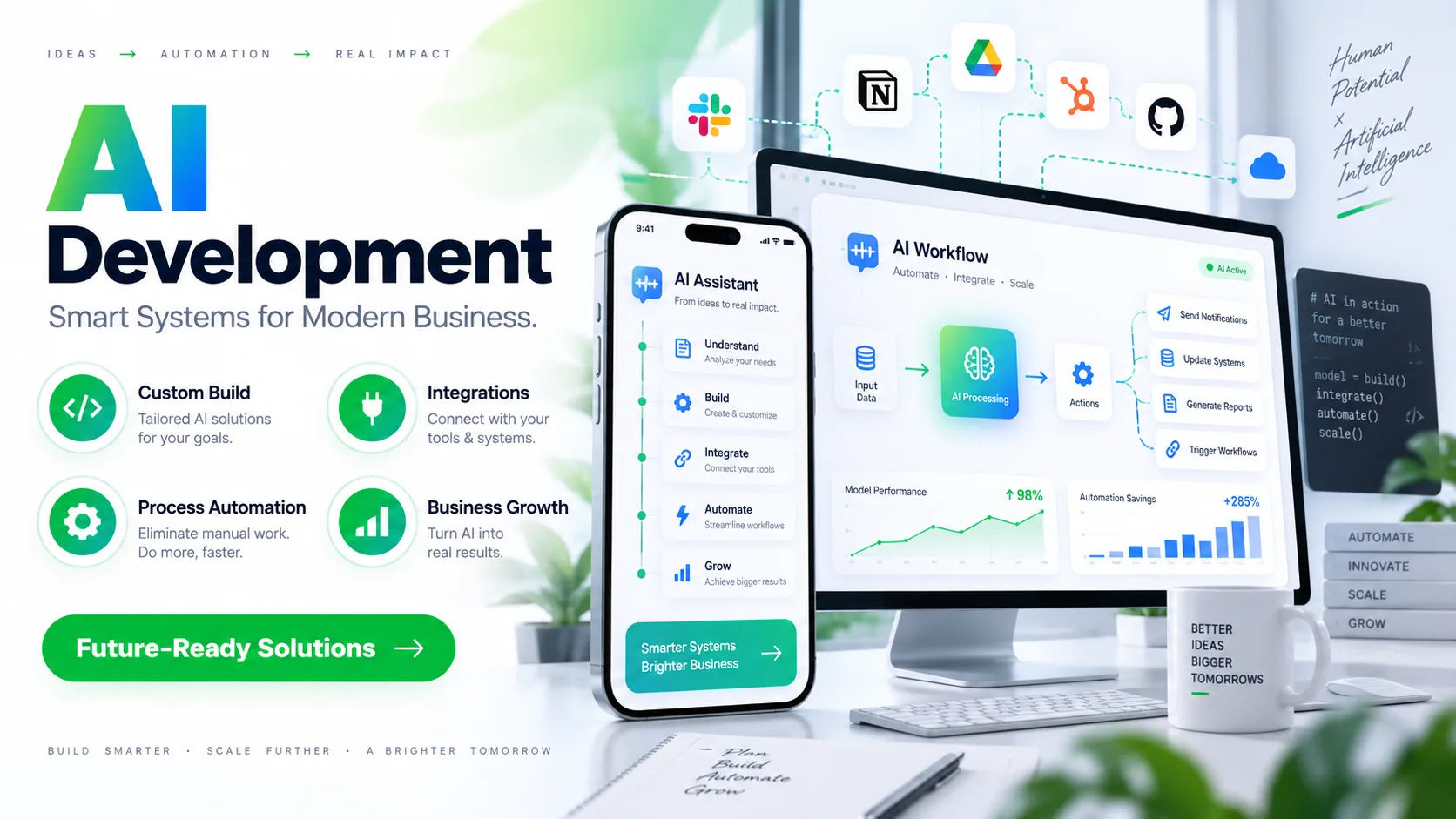 When these systems cannot communicate properly, employees often become the bridge between them. They copy information, check records, send updates, and move data from one application to another.
This manual approach can create delays and unnecessary errors. It can also make it difficult for managers to get a complete view of what is happening across the business. intelligent automation solutions can help address this problem by connecting applications, moving information between systems, and coordinating processes with less manual intervention.
The important point is that automation is not simply about making one application perform a task automatically. Modern automation can coordinate several systems as part of one workflow. When designed properly, it can help businesses connect existing technology without forcing every department to replace the tools it already uses.
How System Connectivity Works
System connectivity means allowing different software applications to exchange information and trigger actions. The systems may have been created by different vendors and may use completely different technologies.
For example, a customer may submit a form on a website. The information could enter a CRM, trigger an automated email, create a task for a sales representative, and update a reporting system. Without connectivity, employees may have to perform each step manually.
With an integrated workflow, one event can start a sequence of actions across multiple applications.
The goal of intelligent automation solutions is not necessarily to make every system directly communicate with every other system. Instead, automation can provide a controlled way for information to move between them.
APIs and Application Connections
Application programming interfaces, commonly called APIs, are one of the most important technologies used for connecting software.
An API allows one application to request information or perform an action in another application according to defined rules. For example, a CRM might provide an API that allows another system to retrieve customer information or create a new customer record.
Automation platforms can use these APIs to coordinate workflows.
If a company receives a new order, an automated process might send the order information from an online store to an ERP. The ERP can then update inventory, while another connected application sends order information to a fulfillment system.
Webhooks and Event-Based Automation
APIs are not the only way systems communicate.
Webhooks can notify another application when a particular event happens. For example, a payment platform could send an event when a payment is completed.
That event could start an automated workflow.
The workflow might verify the payment, update the customer's record, notify the fulfillment team, and generate a receipt. Instead of repeatedly checking whether something has happened, connected systems can respond when the relevant event occurs.
Can Automation Connect Legacy Systems?
Many businesses have older applications that cannot easily be replaced. These systems may still contain important business information even though they were not designed for modern integration.
This does not automatically prevent automation.
Depending on the technology involved, an automation project may connect with a legacy application through an API, database connection, file exchange, middleware, or another integration method.
Some older systems may require more specialized approaches. For example, a system might export information into CSV files each day. Automation can monitor the files, validate their contents, and transfer the required information into a modern application.
In other situations, screen-based automation may be used when no suitable integration interface exists.
However, legacy integration should be approached carefully. An automation process that depends on a fragile interface can become difficult to maintain when the underlying application changes.
Working With Existing Technology
One advantage of automation is that businesses do not always have to replace their entire technology stack.
A company might keep its existing ERP while connecting it to a newer CRM and document-processing system.
This can be particularly useful when replacing a core business system would be expensive, disruptive, or unnecessary.
The automation layer acts as a bridge between applications.
What Types of Systems Can Be Connected?
The exact possibilities depend on the applications and their available integration methods, but many common business systems can participate in automated workflows.
CRM Systems
Customer relationship management systems contain valuable information about leads, customers, sales activities, and interactions.
Automation can connect a CRM with email platforms, websites, customer support systems, billing applications, and reporting tools.
For example, when a new lead enters a CRM, an automated workflow could verify the submitted information, assign the lead to the appropriate employee, create a follow-up task, and update a reporting dashboard.
ERP Systems
Enterprise resource planning systems often contain information about purchasing, inventory, accounting, orders, and operations.
Connecting an ERP with other systems can reduce the need for employees to enter the same information multiple times.
An order captured in one application could automatically reach the ERP. Inventory information could then be used by another system to provide customers with updated availability.
Document Management Systems
Documents are another important source of business information.
Automation can connect document repositories with email systems, CRM platforms, ERP applications, and approval tools.
For instance, when an invoice arrives by email, a workflow can identify the document, extract relevant information, validate important fields, and send the invoice into an approval process.
Communication Platforms
Email, messaging, and collaboration systems can also become part of automated workflows.
A completed approval could trigger a notification. A customer service issue could create an internal task. A system failure could alert the responsible team.
This allows communication to happen as part of the business process instead of being treated as a completely separate activity.
How Intelligent Automation Differs From Basic Integration
Basic integration usually focuses on moving information from one application to another.
Intelligent automation can go further by introducing decision-making, document understanding, validation, and exception handling into the workflow.
Suppose a company receives hundreds of purchase orders.
A simple integration might transfer the order data from one system to another.
A more advanced automated workflow could identify the document type, extract information, check required fields, compare the order against existing records, identify unusual cases, and send exceptions to an employee for review.
The distinction is important because real business processes rarely consist entirely of predictable actions.
Handling Business Rules
Automation can apply predefined business rules while moving information between systems.
For example, an organization may require additional approval when an expense exceeds a certain amount.
A connected workflow can identify the expense, check the relevant threshold, and route the request to the appropriate person.
This means the workflow does more than transfer data. It coordinates the process according to established rules.
Handling Exceptions
Real-world data is rarely perfect.
A customer might enter an incomplete address. An invoice might contain a missing purchase order number. Two systems might contain different versions of the same customer record.
A reliable automation workflow should not simply continue blindly.
It should recognize conditions that require attention and route them to the appropriate person.
This is one area where human review remains important.
Data Validation Is Essential
Connecting systems does not automatically guarantee accurate information.
If incorrect data enters one application and is automatically copied into five others, the problem can become larger.
For this reason, validation should be part of system integration.
A workflow might check whether required fields are present, whether an email address has a valid format, whether an account exists, or whether values fall within acceptable ranges.
More advanced processes can compare information against other sources before allowing it to move forward.
Preventing Duplicate Records
Duplicate records can create serious problems.
For example, the same customer might appear twice in a CRM because their information was entered through different systems.
Automation can check identifying information before creating a new record.
Depending on the business rules, it may update an existing record instead of creating another one.
The exact matching approach should be designed carefully because overly aggressive matching can combine records that actually belong to different people or organizations.
Security and Access Control
System connectivity also creates security responsibilities.
When multiple applications exchange information, organizations need to understand what data is being transferred and which systems can access it.
Not every workflow needs access to every piece of information.
Access should therefore be limited according to business requirements.
Credentials, API keys, and authentication tokens should also be managed securely.
A workflow that connects financial information, customer records, and internal documents needs stronger controls than a simple process that transfers publicly available information.
Protecting Sensitive Information
Automation should transfer only the information required for a particular process.
For example, if a workflow only needs a customer's email address and order number, there may be no reason to send unrelated personal information to another application.
Reducing unnecessary data movement can simplify security and reduce exposure.
Monitoring Connected Workflows
Once systems are connected, businesses need visibility into what the automation is doing.
A workflow can fail because an API is unavailable, authentication expires, required information is missing, or a connected application changes its structure.
Without monitoring, failures may remain unnoticed.
Good automation includes logging and alerts so that teams can identify problems quickly.
Tracking Successful and Failed Actions
Businesses should be able to determine whether an automated process completed successfully.
For example, an order workflow might contain several steps:
The order is received.
Customer information is verified.
Inventory is checked.
The ERP is updated.
A confirmation is sent.
If the fourth step fails, the business should know where the process stopped.
This makes troubleshooting much easier than simply discovering that the final result never appeared.
Connecting Systems Across Departments
Automation can also help connect processes that cross departmental boundaries.
Sales, finance, customer service, operations, and management often use different applications.
Without integration, information can become trapped inside departmental systems.
Consider a sales process. A salesperson closes a deal in the CRM. That event could trigger customer onboarding, create a billing record, notify operations, and update management reporting.
Each department can continue using the tools designed for its work while the workflow coordinates the information exchange.
This can reduce unnecessary handoffs and improve process visibility.
Can Automation Improve Business Efficiency?
Connected workflows can reduce repetitive data entry and manual coordination.
Employees no longer have to spend as much time copying information between applications when the process can be handled automatically.
The benefit is not simply speed.
Reducing manual transfers can also create more consistent processes because the same defined rules are applied each time.
However, automation does not eliminate every source of delay or error. Poorly designed workflows can reproduce bad processes at greater speed.
That is why process analysis should come before automation.
What Should Businesses Connect First?
There is no universal starting point.
A sensible starting point is usually a process that is repetitive, rules-based, and involves multiple systems.
For example, a company might identify a workflow where employees repeatedly copy customer information from an online form into a CRM and then send the same information to another internal application.
That process may offer a clear opportunity for integration.
More complicated processes can be addressed later after the organization understands its automation requirements and monitoring needs.
Map the Existing Process
Before connecting systems, document what currently happens.
Identify the systems involved, information exchanged, business rules, approval points, exceptions, and people responsible for each step.
This often reveals problems that were not obvious when looking at individual applications separately.
The objective is to automate a useful process rather than simply connect technology because integration is technically possible.
Common Challenges With System Connectivity
Integration projects can face several challenges.
Different applications may use different data formats. One system may call a field "customer ID" while another calls it "account number."
Data structures can also change over time.
An application update might alter an API or remove a field that an automation workflow depends on.
There can also be permission problems, authentication failures, rate limits, and temporary service outages.
These issues do not necessarily make automation impractical, but they demonstrate why connected workflows need ongoing management.
Data Mapping
Data mapping determines how information from one system corresponds to information in another.
For example, an address might be stored as one complete field in one application but divided into street, city, state, and postal code fields in another.
The workflow needs rules for handling that difference.
Good mapping also considers missing values, different formats, duplicate information, and invalid entries.
The Role of Human Oversight
Automation should not be viewed as a requirement to remove people from every process.
Some situations are better handled automatically, while others require judgment.
A practical workflow can automate predictable cases and send unusual cases to employees.
For example, routine invoices that pass validation could move through the normal process automatically. An invoice with unusual values or missing information could be paused for review.
This approach can provide efficiency without treating every business decision as a simple rule.
How Businesses Can Measure Integration Results
Connecting systems is a technical achievement, but the real question is whether the connection improves the business process.
Useful measurements can include processing time, manual data-entry volume, error frequency, exception rates, and the time employees spend handling routine administrative work.
Businesses can also monitor workflow failures and the amount of information that requires manual correction.
These measurements provide a clearer picture of whether the automation is actually helping.
Conclusion
Yes, intelligent automation solutions can connect systems and coordinate information across different business applications. They can work with modern cloud software, established enterprise platforms, document systems, communication tools, and, in some circumstances, legacy applications.
The technology used for the connection depends on the systems involved. APIs, webhooks, file exchanges, databases, middleware, and other integration methods can all play a role.
The bigger challenge is usually not making two systems communicate. It is designing a reliable process around that connection.
Successful automation requires accurate data, sensible business rules, secure access, exception handling, monitoring, and appropriate human oversight. Without these elements, a connected workflow can simply move problems from one application to another more quickly.
For businesses considering system connectivity, the practical approach is to start with a clearly defined process. Map how information currently moves, identify repetitive handoffs, understand the systems involved, and determine where automation can provide measurable value.
When those foundations are in place, connecting systems can become more than a technical integration project. It can create a coordinated workflow in which information moves between applications at the right time, routine tasks happen consistently, and employees can focus more of their attention on work that requires human judgment.